
AI agents for small business: a practical Australian guide
Learn where AI agents create value in a small business, how they differ from chatbots and automation, and how to introduce them with sensible controls.
The short answer
An AI agent is software that can interpret a goal, choose steps, use approved tools and continue working until it reaches a stopping condition. For a small business, the useful question is not whether an agent appears intelligent. It is whether the system can complete a defined workflow more reliably, quickly or consistently than the current process.
Good early use cases are narrow and reversible: preparing a weekly sales brief, classifying enquiries, drafting follow-ups for approval, reconciling information between systems or monitoring a queue for exceptions. High-impact actions—sending payments, changing customer records, publishing content or making decisions about people—need stronger permissions and human approval.
The Australian Government’s business guidance on AI recommends starting with a business problem, trialling one or two areas and keeping people responsible for checking outputs. The OAIC’s guidance also makes an important distinction: personal information entered into or generated by an AI system remains subject to privacy obligations.
What to remember
Start with one bounded workflow, give the agent the minimum access it needs, require approval before consequential actions and measure the business outcome—not the amount of activity the agent produces.
Receive a defined goal
Retrieve approved context
Plan bounded steps
Use permitted tools
Request approval when required
Record and evaluate the result
What makes an AI agent different?
A chatbot normally responds to a message. Traditional automation follows rules that a person has explicitly programmed. An agent sits between those models: it can decide which approved step or tool to use next, based on the goal and the information available.
That flexibility is valuable when a workflow contains variation. A sales enquiry may need to be classified, checked against the CRM, enriched with public company information and routed to the right person. A conventional workflow needs a branch for every situation. An agent can interpret the enquiry and select among permitted actions—but it still needs a clear boundary, reliable data and a way to stop.
An agent is therefore not just a language model. A production system also needs instructions, business context, tool connections, permissions, memory, validation, monitoring and escalation. The model reasons; the surrounding system makes that reasoning operational and accountable.
Where agents can create practical value
Sales and customer enquiries
An agent can review incoming enquiries, extract the customer’s need, check whether essential information is missing and prepare a response for a person to approve. It can also create a CRM task and suggest the most relevant service owner. The safest first version drafts and routes; it does not promise pricing or send messages without review.
Operations and administration
Small teams often lose time moving information between email, spreadsheets, forms and business systems. An agent can compare records, identify exceptions and prepare a reconciliation report. This is especially useful when the normal case is predictable but unusual cases still require judgement.
Management reporting
An agent can assemble a weekly brief from approved data sources: pipeline movement, overdue work, customer-service themes and operational risks. The value comes from a consistent reporting routine and links back to the source—not from a confident narrative unsupported by evidence.
Marketing support
Agents can turn an approved campaign brief into drafts for different channels, check them against brand rules and prepare an editorial calendar. A person should still verify claims, permissions, tone and the suitability of material before publication.
Choose the workflow before the technology
Begin by drawing the current process. Record the trigger, inputs, decisions, systems, responsible people, output and exceptions. Then ask four questions:
- Is the outcome clear enough to evaluate?
- Is the information needed to complete the work available and trustworthy?
- Can the agent’s actions be limited and reversed?
- Is the volume or delay large enough to justify change?
A poor process does not become good because an agent performs it faster. If ownership is unclear, data is inconsistent or the desired outcome changes from case to case, address those issues before adding autonomy.
A practical risk model
Use the consequence of an error to decide how much autonomy is appropriate.
| Risk level | Example | Appropriate agent role | | --- | --- | --- | | Low | Summarise internal meeting notes | Draft automatically; person checks before wider use | | Moderate | Classify and route a customer enquiry | Act within rules; log the decision; allow correction | | High | Change a price or customer entitlement | Prepare recommendation; authorised person approves | | Very high | Make an employment, credit or legal decision | Do not delegate the decision without specialist governance |
Risk also depends on the data involved. Customer names, contact details, financial records, health information and employee data require careful handling. Before connecting a tool, confirm what the provider stores, where data is processed, who can access it and whether submitted information is used to improve a shared model.
The minimum production architecture
A dependable small-business agent needs six layers:
- A defined objective: a narrow outcome and explicit non-goals.
- Approved context: current policies, product information and business records from known sources.
- Tool permissions: access only to the actions required for the workflow.
- Validation: checks for missing information, unsupported claims and invalid outputs.
- Human control: approval or escalation before material consequences.
- Evidence: logs showing the request, sources, chosen action, result and reviewer.
This structure may sound technical, but the principle is familiar: separate who can view, prepare, approve and execute work. An agent should not collapse those responsibilities merely because it can call several tools.
How to evaluate an agent
Measure the workflow before and after the pilot. Useful measures include turnaround time, error rate, work returned for correction, percentage of cases escalated, staff time per case and customer outcome.
Test with realistic cases, including incomplete information and unusual requests. A demonstration that succeeds on the happy path is not evidence of reliability. Build a small evaluation set from real, de-identified examples and rerun it whenever the model, prompt, data source or connected tool changes.
Measure correction effort
Time saved on the first draft is not a benefit if employees spend longer finding and correcting subtle mistakes. Track review and rework time as part of the result.
A 30-day adoption plan
Week 1: define the opportunity
Choose one frequent, bounded workflow. Document the current process, baseline performance, data involved, owner, risks and success measure. Decide which actions will always need approval.
Week 2: build a controlled pilot
Connect only the minimum information and tools. Use test or read-only access where possible. Prepare representative cases, including failures, ambiguity and requests that should be refused or escalated.
Week 3: run with a small team
Let a small group use the agent alongside the existing process. Record corrections, missing context, unsafe suggestions and steps employees still perform manually. Improve the workflow rather than adding broader autonomy.
Week 4: decide with evidence
Compare performance with the baseline. Continue only if the agent creates a measurable benefit and the remaining risks can be managed. Document the approved use, owner, provider, data, permissions, review process and change history in an AI register.
Common mistakes
The first mistake is buying a broad “AI employee” before defining a job. The second is connecting every business system during a proof of concept. The third is measuring output volume rather than accuracy and business value.
Other warning signs include hidden use of personal information, no process for correcting records, unclear responsibility when the agent is wrong and no way to suspend actions quickly. These are operating-model problems, not prompt problems.
Frequently asked questions
Does a small business need custom AI software to use agents?
Not always. Existing accounting, CRM, service and productivity products increasingly include agent-like workflows. Start by evaluating tools already in your stack. A custom agent becomes useful when the workflow, data or integrations are distinctive enough to justify the added cost and governance.
Can an AI agent contact customers automatically?
Technically, yes, but automatic sending should be earned through testing. Begin with drafts for approval. Introduce limited automatic messages only when the content is low risk, the rules are clear, consent and privacy requirements are satisfied, and every action is recorded.
How much does an AI agent cost?
Cost includes more than model usage. Allow for discovery, integration, testing, staff training, monitoring, maintenance and human review. A narrow workflow inside an existing product may be inexpensive; a custom agent connected to several systems can become a significant software project.
Who is responsible when an AI agent makes a mistake?
The business remains responsible for how it selects, configures and uses the system. Assign an accountable owner, define approval points and keep enough evidence to investigate and correct outcomes.
Research and further reading
- Australian Government: Artificial intelligence for business
- Australian Government: Guidance for AI adoption
- OAIC: Privacy and commercially available AI products
- Australian Signals Directorate: Guidelines for secure AI system development
- Google AI: How function calling works
The takeaway
AI agents can give a small team meaningful leverage, but autonomy is not the starting point. Begin with one well-understood workflow, make the data and action boundaries explicit, keep people responsible for consequential decisions and expand only when the evidence supports it. The best first agent is rarely the most ambitious one; it is the one the business can understand, evaluate and safely improve.
Knowledge Hub
Related blogs
The Agentic AI Landscape 2026: From Prompting to Autonomous Execution
Agentic AI is the defining trend of 2026. Explore how platforms like AutoGen, Claude Code, and Cursor AI are transforming businesses from 'prompt-responders' to 'objective-drivers'.
Claude CoWork & AI Collaboration Tools – The Future of Work (2026)
Explore how Claude CoWork, AI agents, and collaboration tools are transforming the future of work with automation, computer control, and intelligent workflows.
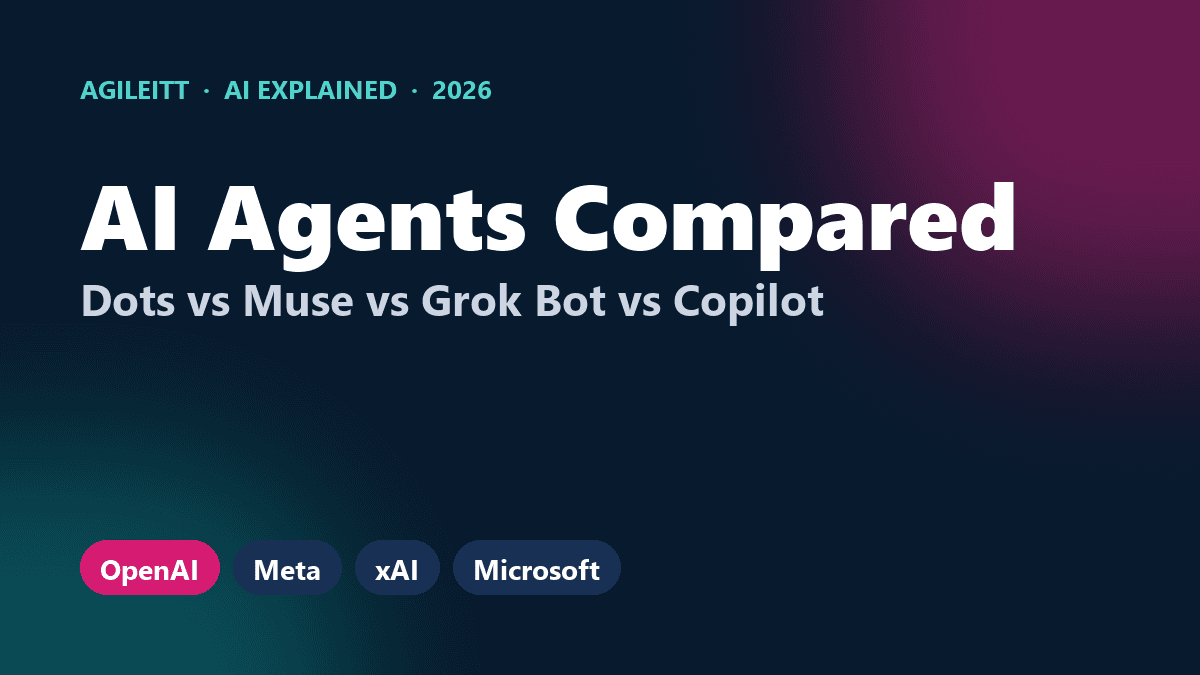
Personal AI Agents Compared (2026): OpenAI Dots vs Meta Muse vs Grok Bot vs Copilot Autopilot
Autumn 2026 brought four big personal AI agents in a month. We compare OpenAI Dots, Meta Muse, xAI Grok Bot and Microsoft Copilot's Autopilot — what each is for, who can get it and how Australian businesses should choose.
Ready to transform your business?
Discover how Agileitt's solutions can help you achieve your goals.
Get Started