
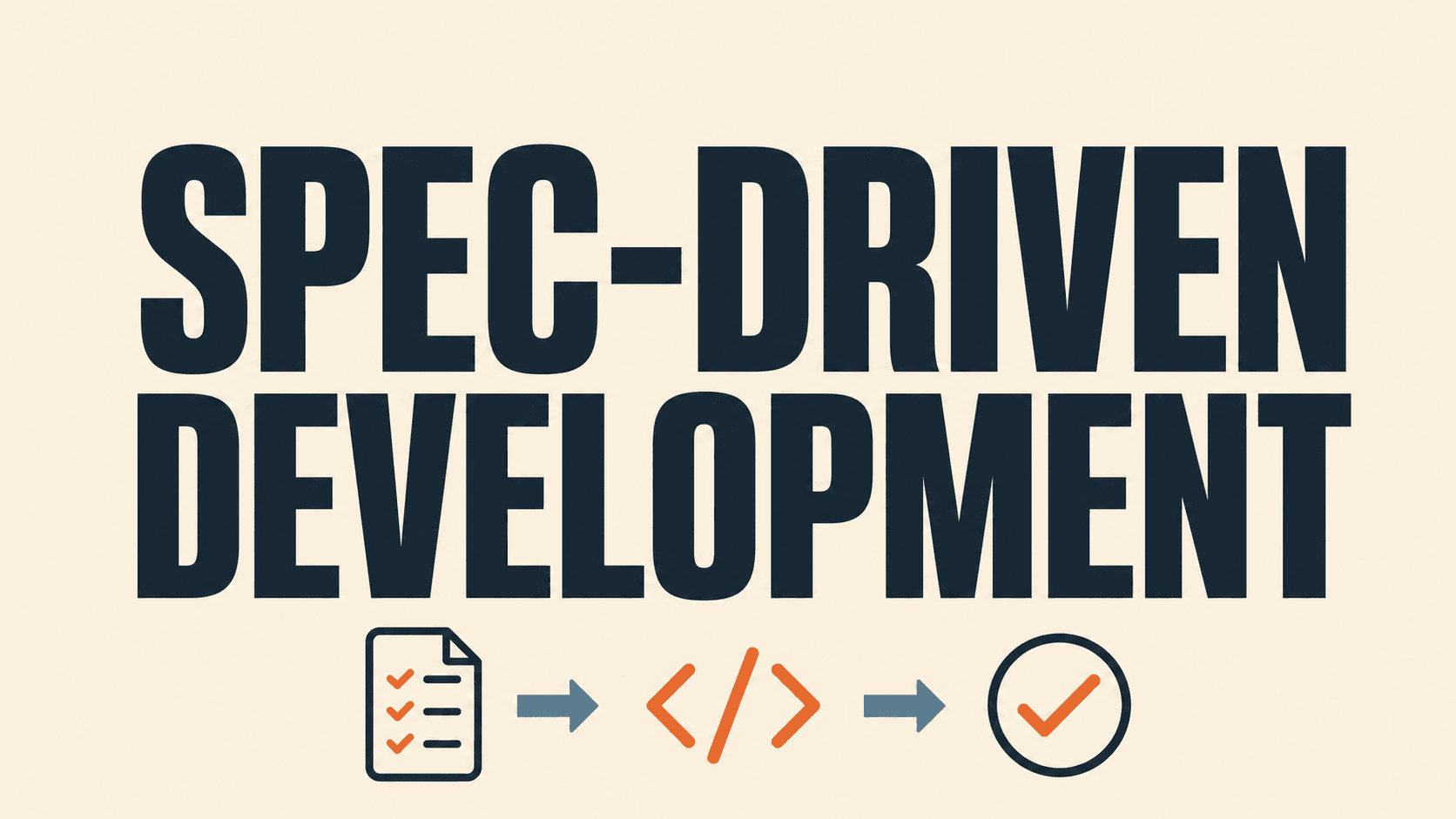
Specification-based AI development: a practical guide
A practical guide to specification-based AI development: what it is, when to use it, the six artifacts that keep AI coding traceable, and how to adopt it without adding ceremony.
The short answer
Specification-based AI development is a way to give AI coding tools a reviewed source of truth before they generate code. Instead of relying on a long chat prompt, a team records the outcome, constraints, requirements, acceptance criteria and technical decisions in small linked artifacts. The AI then helps plan, implement and test against those artifacts.
This is not a return to heavyweight documentation. It is a way to make fast AI-assisted delivery easier to review, change and trust. Current tools describe the core sequence as specify → plan → tasks → implement; the important addition for a real team is a verification and learning loop after implementation. GitHub’s Spec Kit documentation and AWS Kiro’s overview both use structured specifications to turn high-level intent into implementation work.
What to remember
Use a specification to preserve intent. Use AI to accelerate the work inside that boundary. Keep people responsible for trade-offs, approvals and production decisions.
Why AI-assisted development needs a stronger starting point
AI can produce a convincing first version from a vague instruction. The risk is that the first version silently makes product, security and architecture choices that nobody explicitly approved. Later, the team is left asking: What user problem was this meant to solve? Which edge cases were intentionally excluded? Why does this integration work this way?
The issue is not that AI writes code. The issue is that a prompt is a poor long-term contract. It is difficult to review, easy to overwrite and rarely connected to tests or release evidence.
Specification-based development replaces the one-shot prompt with a compact chain of decisions. Each artifact answers one question and gives the next stage clearer context.
Frame
Outcome, users and boundaries
Specify
Requirements and acceptance criteria
Plan
Architecture, risks and decisions
Task
Small reviewable units of work
Build
AI-assisted implementation
Verify
Tests, review and traceability
When specification-based development is worth the effort
Use this approach when the cost of misunderstanding is meaningful: a feature changes customer data, touches payments or permissions, spans multiple systems, must meet a policy requirement, or will be maintained by people who did not build it.
It is also useful when an AI agent is expected to make changes across a large codebase. A defined scope, a short list of constraints and observable acceptance criteria reduce the chance of the agent solving the wrong problem elegantly.
For a throwaway prototype, a one-page landing page or a small isolated experiment, a full artifact chain may be excessive. Start lighter: capture the outcome, key constraints and a definition of done. Add detail when risk, integration surface or team size increases.
The six artifacts that create a useful specification
1. Frame the outcome and boundaries
Begin with the decision the product should help a person make, the user who has that need and the business result that matters. Include explicit boundaries: what this release does not solve, systems it may not change and assumptions that require validation.
Good framing is observable. “Improve reporting” is broad. “Let an account manager identify accounts with no activity in 30 days and create a follow-up task without leaving the dashboard” gives a team something concrete to design and test.
2. Write requirements and acceptance criteria
Requirements describe the behaviour that must exist. Acceptance criteria describe the conditions that show it works. Keep them independent of a particular framework or implementation unless the technical constraint is intentional.
For example:
- The dashboard shows accounts with no recorded activity for the selected period.
- A user can filter by account owner and segment.
- Creating a follow-up task records the initiating user and account ID.
- A user without account-management permission cannot create that task.
Acceptance criteria give AI tools useful boundaries and give reviewers a direct checklist. They also make it much easier to decide whether a proposed change is complete.
3. Record the design and technical decisions
The plan explains how the change will fit the existing product. It should cover the user flow, the information shown at each step, affected APIs or data, non-functional requirements and decisions that should not be reopened during implementation.
This is the place to capture important trade-offs. For example, “use a scheduled aggregate rather than calculating activity in the request path because the query must remain responsive for large accounts.” A short rationale is more useful than a diagram with no decision behind it.
4. Break the plan into reviewable tasks
Tasks turn the plan into small units of work with a visible dependency order. A good task has a purpose, a defined output and a validation step. Avoid task lists such as “build dashboard” or “make API.”
Instead, write tasks such as “add the activity-summary query with owner and segment filters; verify permission checks with integration tests.” This lets a developer or agent work in focused increments and lets reviewers assess progress without reading an entire generated diff.
5. Implement with controlled AI assistance
AI is most effective when it receives the relevant requirement, plan section, task and local repository conventions together. Ask it to explain the proposed change, name assumptions and show the tests it intends to add before it writes a large patch.
Keep the implementation conversation tied to the artifact being changed. If a requirement changes, update the specification first, then revise the plan or task. That prevents the code and the intended behaviour from drifting into separate stories.
6. Verify, release and update the source of truth
Verification is more than “the build passed.” Check the acceptance criteria, tests, security and permission paths, accessibility where relevant, observability and rollout behaviour. The release record should link to the approved specification and note any deliberate deviations.
After release, update the specification with what was learned. A specification is useful when it stays current enough to guide the next change; it does not need to become an archive of every conversation.
A worked example: customer activity follow-up
Imagine a business wants an AI-assisted customer health feature. A vague prompt might say: “Build a dashboard that finds customers who need attention.” That leaves the AI to invent the meaning of “attention,” choose a source of truth and decide what action is safe.
Here is the same request as a specification-driven flow:
| Artifact | Example decision | | --- | --- | | Outcome | Account managers should spot inactive accounts and start a documented follow-up. | | Scope | Use CRM activity and subscription data. Do not change billing status automatically. | | Rule | Flag an account when it has no activity for 30 days and an active subscription. | | User flow | Filter → inspect account context → create a follow-up task → confirm the activity log entry. | | Guardrail | Only account managers can create tasks; the AI may suggest a message but cannot send it. | | Acceptance | Tests prove the 30-day rule, permission check and audit record for each created task. |
The AI can now assist with query design, interface scaffolding, test cases and documentation. The team still owns the business rule, data authority and action boundary. This is the practical division of labour: AI accelerates implementation; people remain accountable for intent and risk.
The traceability thread that keeps changes explainable
Traceability does not require a complex compliance platform. At minimum, a reviewer should be able to move in both directions:
- From a business outcome to the requirement, design decision, task, pull request and test.
- From a changed component or test back to the requirement it protects.
This makes changes easier to assess. When a stakeholder asks why an automatic action is blocked, the team can point to the approved guardrail. When a failing test appears, the team can see which behaviour is at risk. When a requirement changes, the task and test list reveal the likely impact.
Common failure modes and how to avoid them
Treating the specification as a prompt template
A specification is not valuable because it is long or formatted. It is valuable when it records decisions a team can review. Remove filler, describe the user-visible behaviour and include the constraints that matter.
Freezing the plan too early
Specifications should make change visible, not prohibit it. If discovery changes the rule, update the artifact and explain why. The problem is unrecorded change, not change itself.
Letting an agent choose risky actions
Define what an agent may read, suggest, create or execute. Add approval points for irreversible, customer-facing or security-sensitive actions. Treat permissions and audit trails as product requirements, not post-launch extras.
Measuring success by generated code volume
More generated code is not a business outcome. Measure whether the team can review changes faster, understand their impact, meet acceptance criteria and maintain the feature after release.
A practical 30-day adoption plan
Start with one feature that is valuable but bounded. Choose a product owner, a technical owner and a reviewer. Use the following sequence:
- Week 1 — establish the template. Define outcome, scope, assumptions, requirements, acceptance criteria and non-goals on one page.
- Week 2 — connect plan to tasks. Record the user flow, integrations, technical decisions and reviewable task list.
- Week 3 — implement with evidence. Ask the AI to work task by task, including proposed tests and assumptions in each review.
- Week 4 — review the process. Compare the specification with the shipped behaviour, note missing information and simplify the template before the next feature.
Keep the first version small
If the initial specification takes longer to review than the feature takes to build, reduce it. The right level of detail is the minimum that lets the next person understand the decision and verify the outcome.
A reusable checklist for the next AI-assisted feature
Before implementation begins, make sure the team can answer:
- What user outcome are we trying to create?
- What is explicitly out of scope?
- Which systems and data are authoritative?
- What must be true for the work to be accepted?
- Which decisions need human approval?
- What can the AI read, suggest or execute?
- Which tests prove the important rules and permissions?
- Where will future maintainers find the requirement and rationale?
Frequently asked questions
Is specification-based development the same as waterfall?
No. Waterfall usually describes a sequential delivery model with heavy upfront handoffs. Specification-based development can be iterative: teams update the specification as they learn. The difference is that the decisions and acceptance criteria stay visible as the implementation evolves.
Does every AI-assisted task need a full specification?
No. Match the artifact depth to risk and complexity. A small, isolated change may need only a short outcome, constraints and definition of done. Use a fuller chain when the change affects multiple systems, customer data, security or long-term maintenance.
Can AI write the specification?
AI can help turn notes into a draft, identify missing acceptance criteria and propose edge cases. A responsible person should still validate the business outcome, rules, constraints and permissions before the specification becomes the basis for implementation.
The takeaway
Specification-based AI development does not slow a capable team down. It reduces the time spent rediscovering intent, correcting hidden assumptions and explaining generated code after the fact. Start with a small, important feature. Make the outcome, boundaries and acceptance criteria clear. Then let AI help the team move faster inside a system that remains reviewable and under human control.
Research and further reading
Knowledge Hub
Related blogs

Prompt Engineering vs Context Engineering: What Matters Now?
Explore the shift from prompt engineering to context engineering in AI systems and learn why context is becoming more important than prompts in 2026.
Personal AI Agents Compared (2026): OpenAI Dots vs Meta Muse vs Grok Bot vs Copilot Autopilot
Autumn 2026 brought four big personal AI agents in a month. We compare OpenAI Dots, Meta Muse, xAI Grok Bot and Microsoft Copilot's Autopilot — what each is for, who can get it and how Australian businesses should choose.

Meta Muse Explained: Meta's Personal AI Agent and Muse for Small Business (2026)
Meta's Muse is a personal AI agent that books, buys, emails and keeps working after you close the app — with free, $20 and $100 tiers and a new Muse for Small Business. What it does and what it means in Australia.
Ready to transform your business?
Discover how Agileitt's solutions can help you achieve your goals.
Get Started